Get started / Make ad videos from an offering
Make ad videos from an offering
Apart from running SNS accounts, TakePilot makes many versions of an ad video from a registered offering. Register an offering and the avatar who appears in it once, then ask the AI agent you already use, and you get videos with different hooks, appeals and structures.
| What it makes | Intro videos for an offering (a product, service, job, store, app or event) |
| What varies | The opening hook, the appeal, the structure |
| Who appears | An avatar of a person whose face and voice you have the rights to use |
| How it is delivered | Your client reviews it; you download the approved video and upload it to your ad platform |
The flow
1. Register your offering and avatar
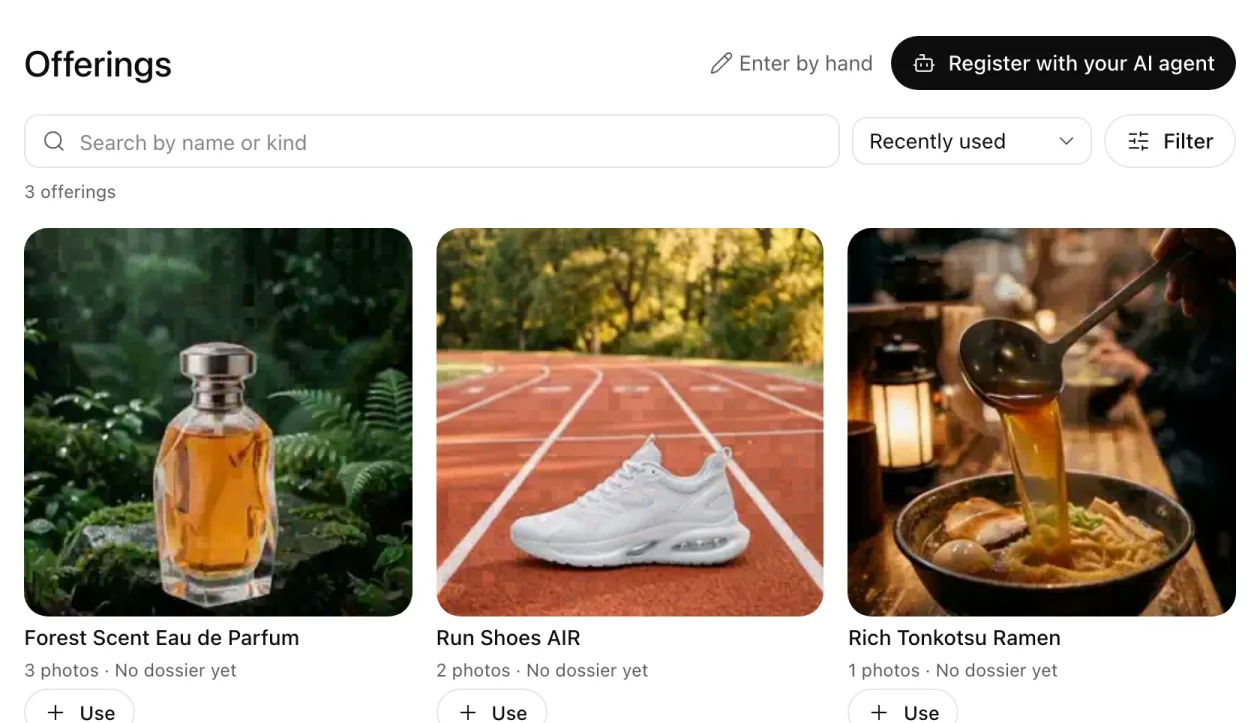
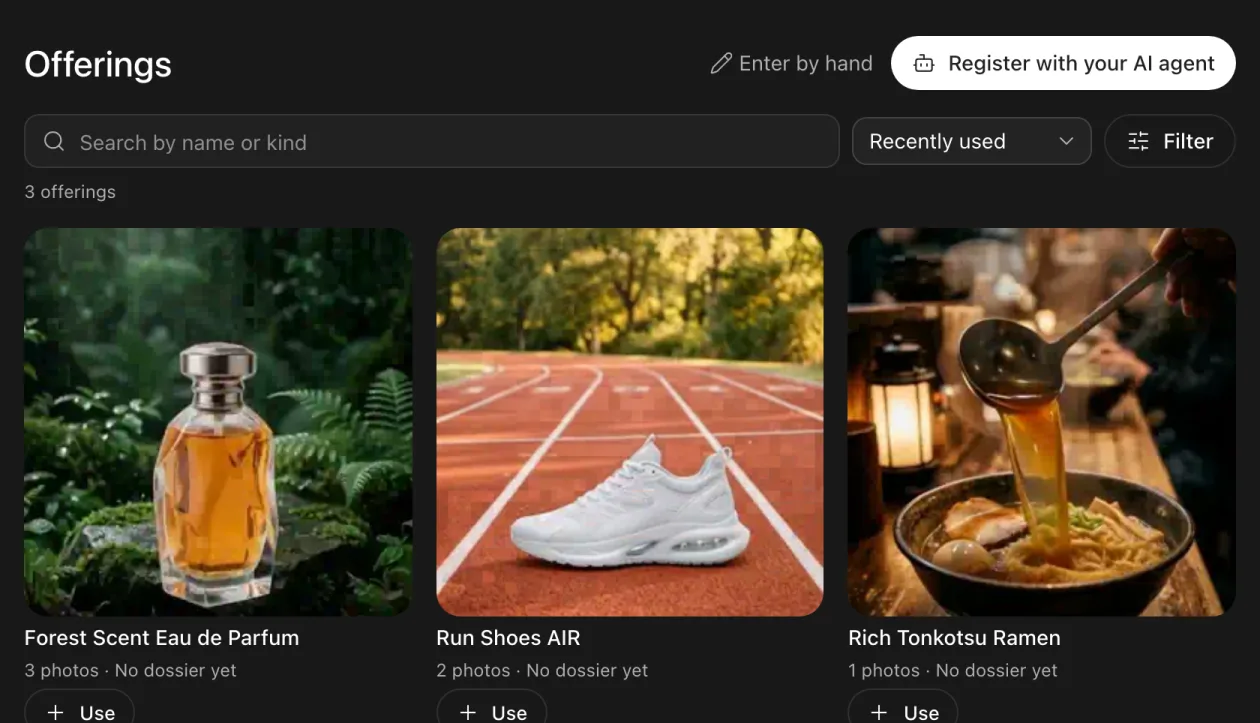
Register the offering's page URL and photos, and the avatar's face and voice. They look and sound the same in every video (Register avatars and offerings).
2. Ask your agent
Make a 15-second vertical video of the Forest Eau de Parfum for women in their 20s. Three hooks and two appeals.
Your agent shows a script and an estimate. Say OK, and the videos are made and land in My files (Make videos with the plugin).
3. Ask your client to review
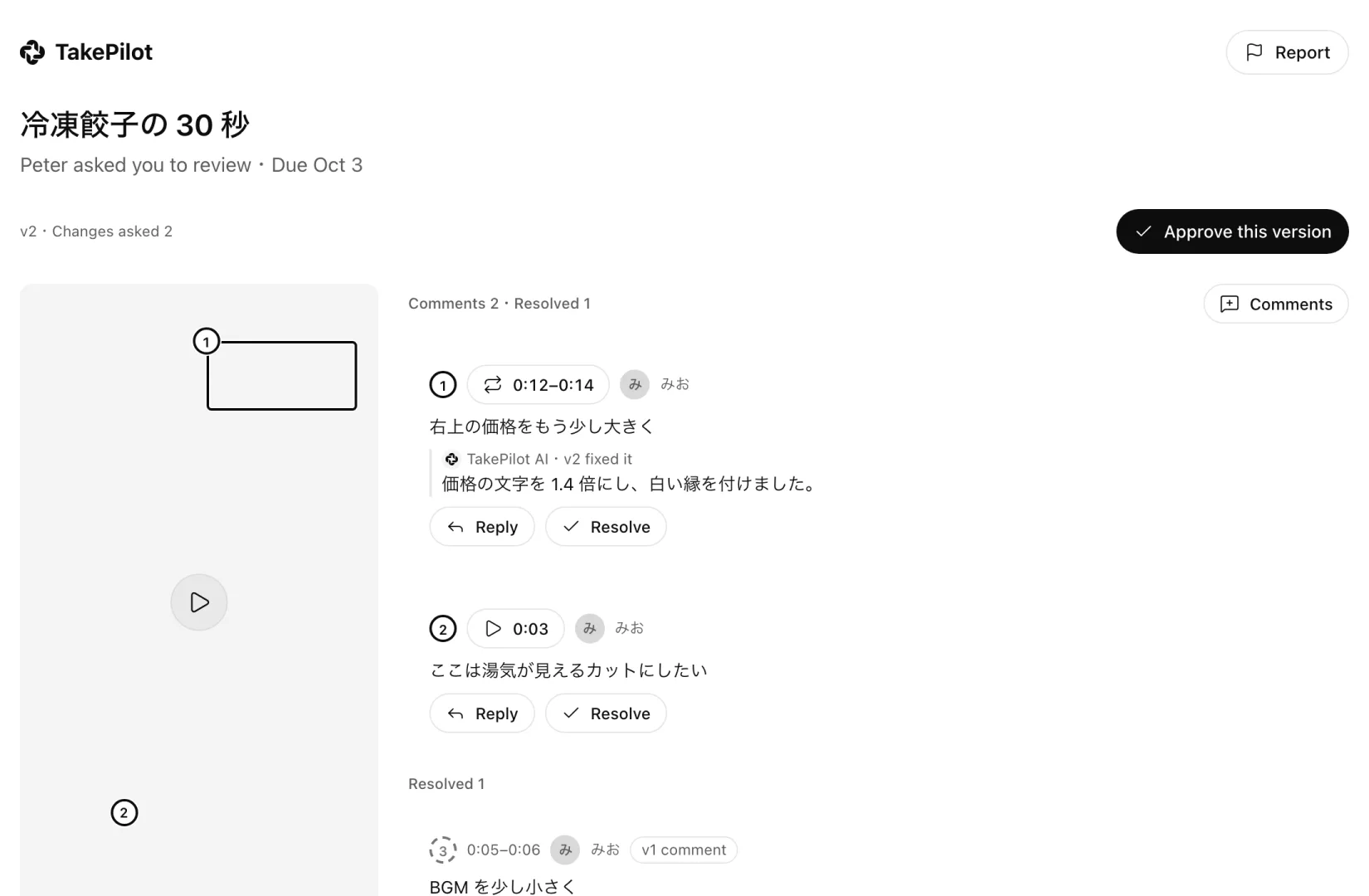
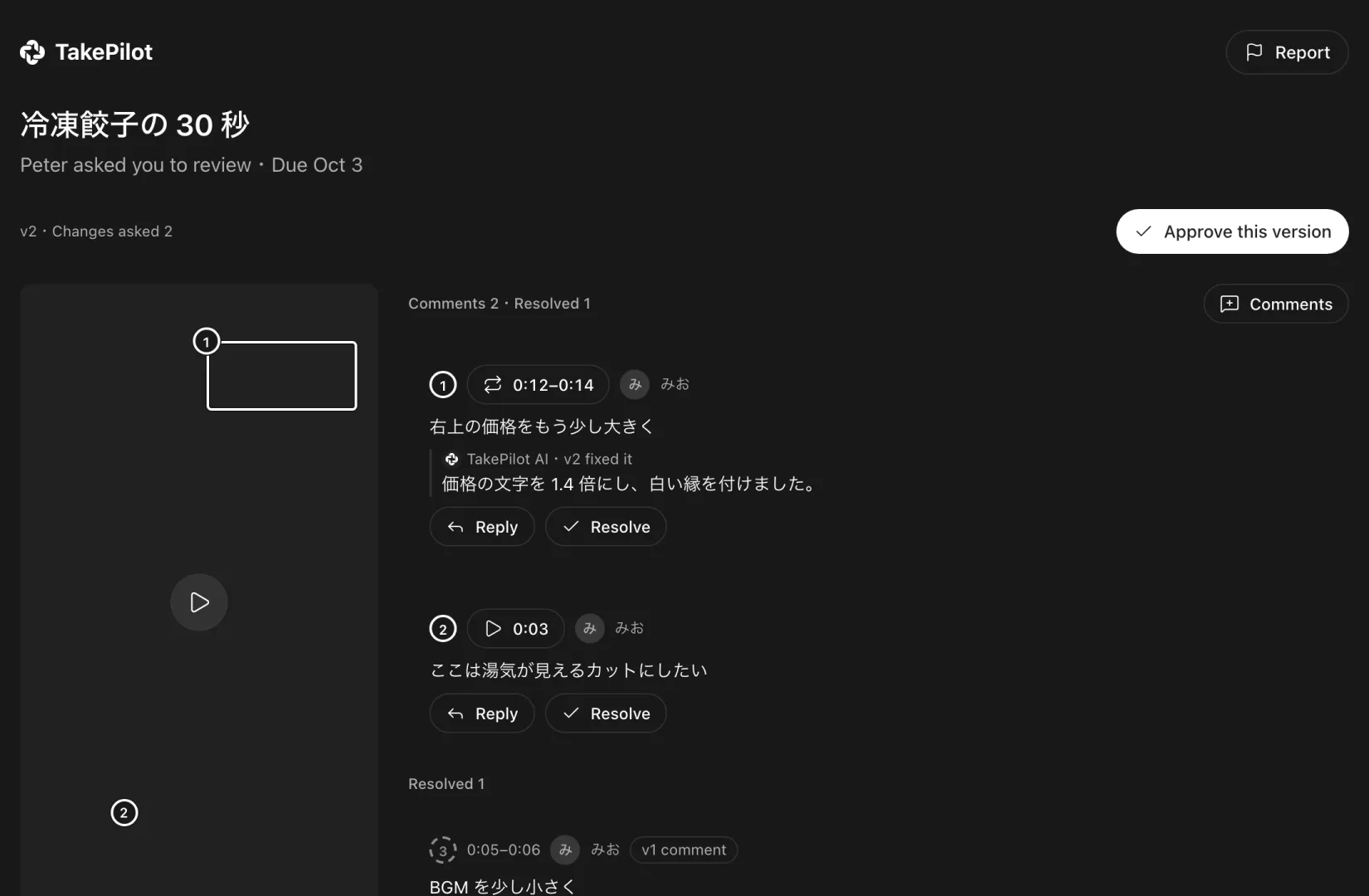
Send your client a review request by email. They comment right on the scene they want changed, and your agent fixes only what they pointed at (Ask someone to review).
4. Download and upload to your ad platform
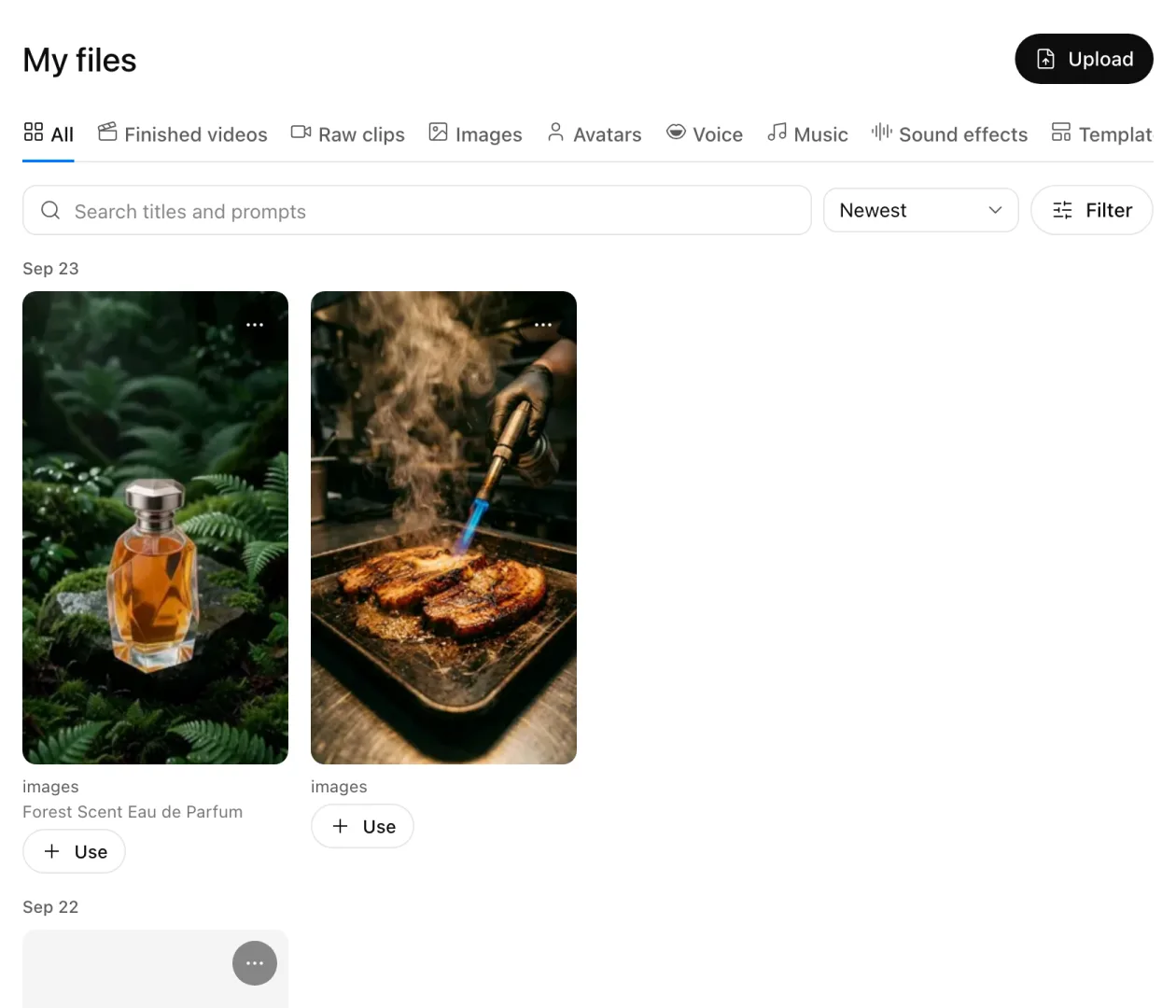
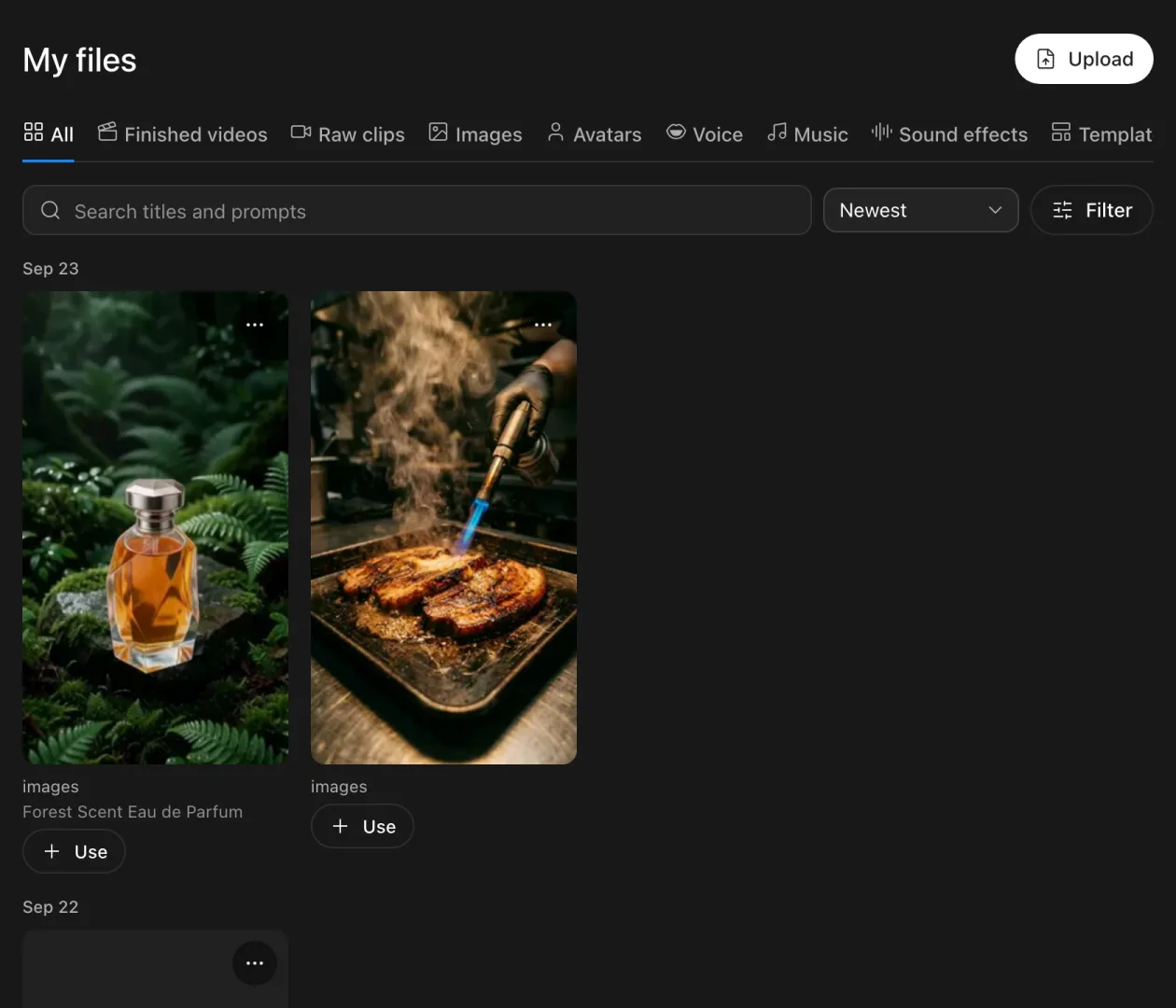
Download the approved videos from My files and upload them to your ad platform (Find videos in My files).
How it helps your ad results
Test more creatives each week
You only find a winning creative by testing many. With TakePilot, asking for "three hooks" is enough; you get the versions without waiting for a shoot or an edit.
Variations are cheap
Only the parts that change are remade, and shared cuts are reused. Changing only the narration or captions remakes no footage.
| 6 versions of a 15-second, 3-cut video | Estimated cost (illustrative) |
|---|---|
| Make all 6 from scratch | about $8 |
| Make 1, then remake only the hook cut for the other 5 | about $2.6 |
| Make 1, then change only narration and captions for the other 5 | about $1.3 + a few tens of cents |
Check for NG expressions before you submit
When you register an offering, your agent writes down the expressions that offering must not use. Every time it makes a video, it checks the script against them and adds the notes Japan's Pharmaceutical and Medical Device Act and Act against Unjustifiable Premiums and Misleading Representations call for. You and your client make the final call.
Faster client approval
Your client comments on the exact scene, so there is less confusion about what to change. The fixed video becomes a new version, which you send to the same people with one button.
Repeat what wins
Bring ad results (conversions, CPA and so on) back into TakePilot per video. You keep a record of which template, appeal and avatar won, and start the next video from that combination. To bring them in, hand your agent the CSV from your ad platform.
Use it with your social posts
Offerings can also be linked to an SNS account (several offerings on one SNS account, or none). Once linked, your agent can make posts that introduce that offering too (Run your SNS accounts).
Updated