Plugin / Plugin costs and limits
Plugin costs and limits
You pay for the work TakePilot's servers do: making voices, images and footage, and assembling and rendering the video there. Rendering on your computer is free. Tools that cost money show an estimate before anything is made. Per-call and daily caps keep spending in check.
What costs money
Your AI agent writes the script and plans the cuts. That runs on your agent's own subscription, so you pay TakePilot nothing for it.
| Work | Rough cost |
|---|---|
| Make video clips | The largest. Depends on the model, quality and length |
| Make images | Medium |
| Make voices (narration) | Small |
| Assemble | Small |
| Render on the servers | Small. Free when rendered on your computer |
| Research, reference video analysis, transcription | Small |
| Read offerings or My files | Free |
Everything is charged at the AI provider's cost plus 20%, in dollars. Scenes MiniMax H3 Flash cannot make (some scenes with people, for example) are made with MiniMax H3, so they cost more (How TakePilot works).
Before anything is made
- Your agent estimates everything it will make. Several variations are estimated together, once.
- You look at the estimate and say OK.
- Only then is anything made. Anything whose estimate is above the per-call cap ($10 by default) is not made.
If the same request arrives twice because of a dropped connection, it is made and charged only once.
Caps
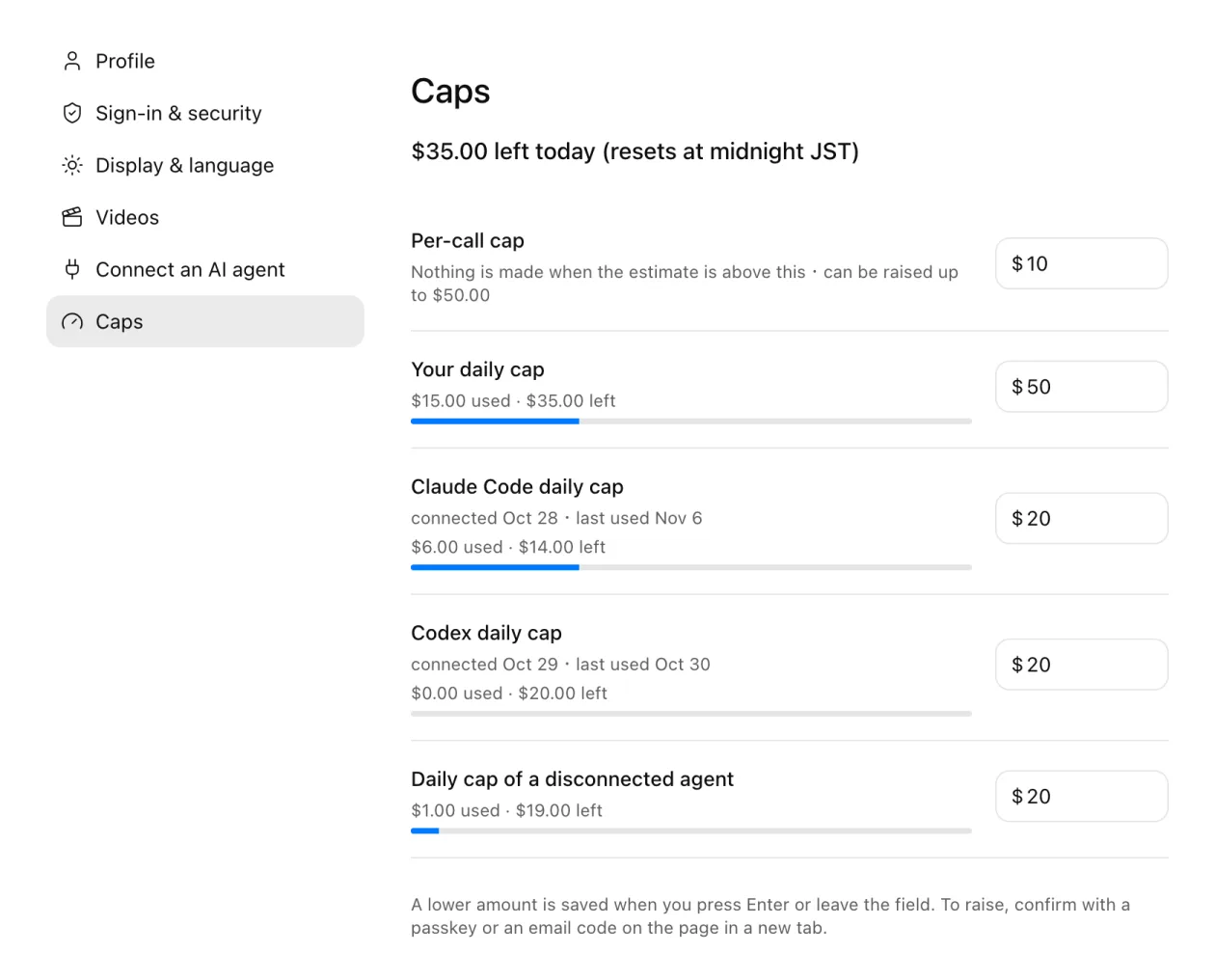
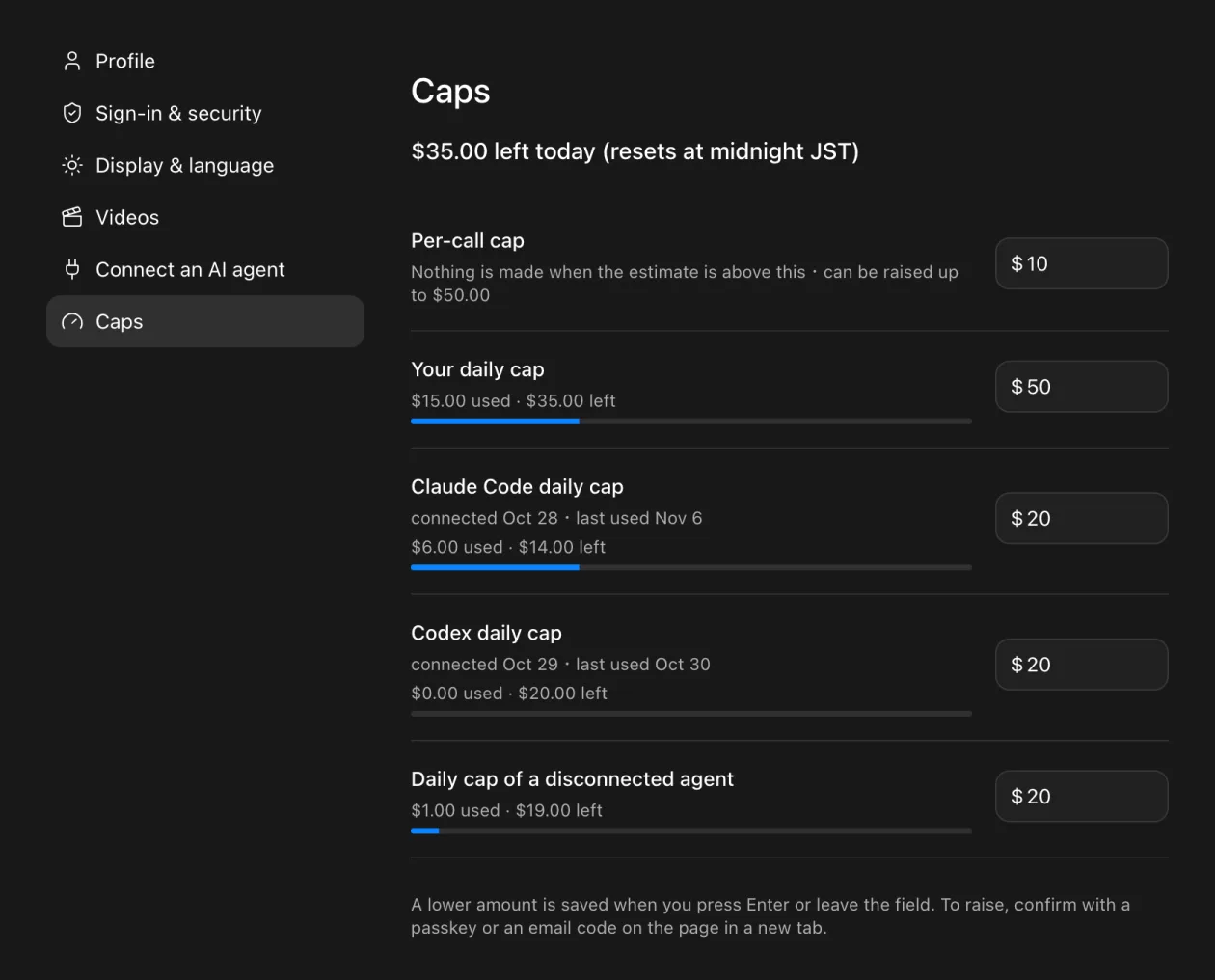
| Cap | Default | Can you change it? |
|---|---|---|
| Per call | $10 | Lower or raise (raise up to your daily cap or $100, whichever is smaller) |
| Per agent, per day | $20 | Lower or raise |
| You, per day | $50 | Lower or raise |
Days reset at 0:00 JST. See what you used today under "Settings" → "Caps" on the web.
Lower a cap
Lowering works at once. Either:
- On the web, go to "Settings" → "Caps", type a smaller amount in the field and press Enter (leaving the field saves it too).
- Ask your agent to lower the cap (in Claude Code,
/takepilot:caps).
Raise a cap
- Under "Settings" → "Caps", type a larger amount in the field and press "Open the confirmation page" below it. If you asked your agent, it gives you a link to the confirmation page.
- On the confirmation page in a new tab, confirm with a passkey or an email code. The link works for 15 minutes.
An AI agent can never raise a cap by itself: raising always needs you to confirm. If you disconnect an agent on the web, a daily cap you raised for it goes back to the default.
In an organization's workspace
What you make in an organization's workspace is paid from the organization's credits. The three caps above still apply to each member. On top of them, the organization has its own daily cap (all members together, $50 by default). Only the organization's owners and admins can change it (Use AI agents in an organization).
When your balance runs out
Nothing can be made without enough balance. Buy credits under "Credits", or turn on auto top-up so you don't run out halfway (Buy credits and change plans).
Next steps
Updated