Get started / Run your SNS accounts
Run your SNS accounts
On this page
An SNS account is your YouTube, Instagram, TikTok, X and Threads accounts kept as one in TakePilot. It has a concept, profile text and an image, and videos are made for it. It is not your TakePilot login account.
Before you begin
- An AI agent connected to TakePilot (Get started).
- If you already run accounts, their profile URLs or handles. Platforms you are not on can stay empty.
1. Set up an SNS account
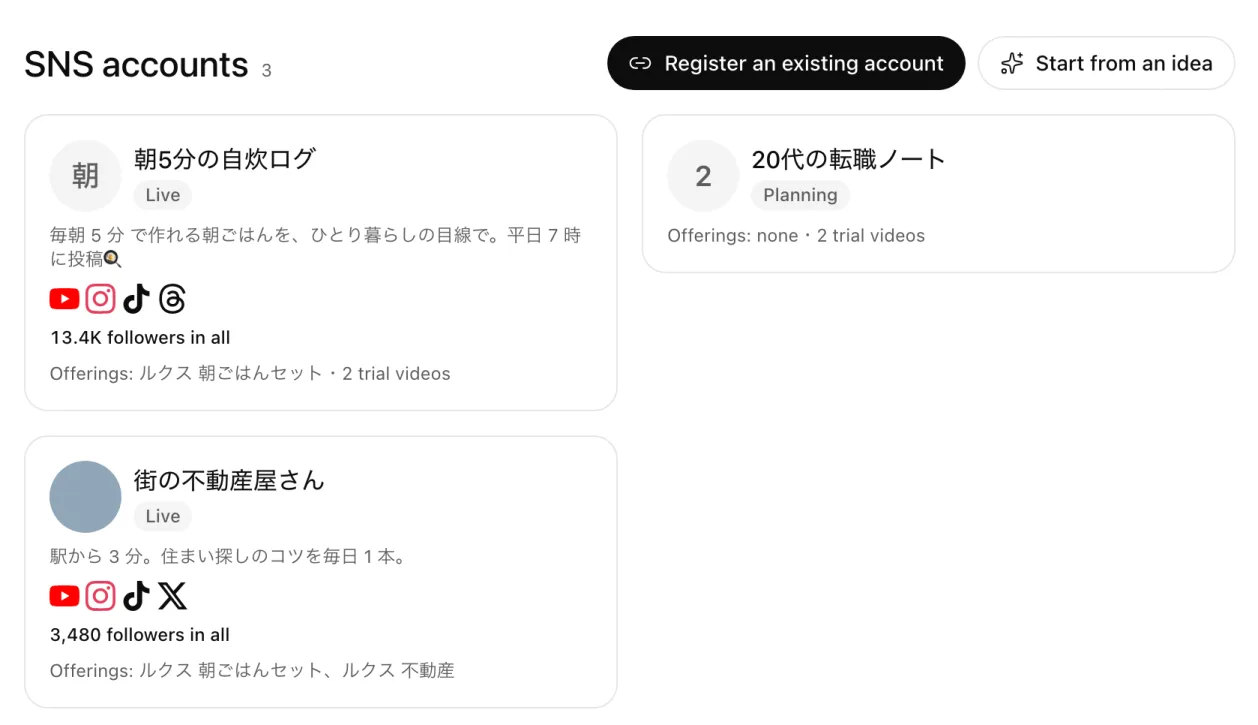
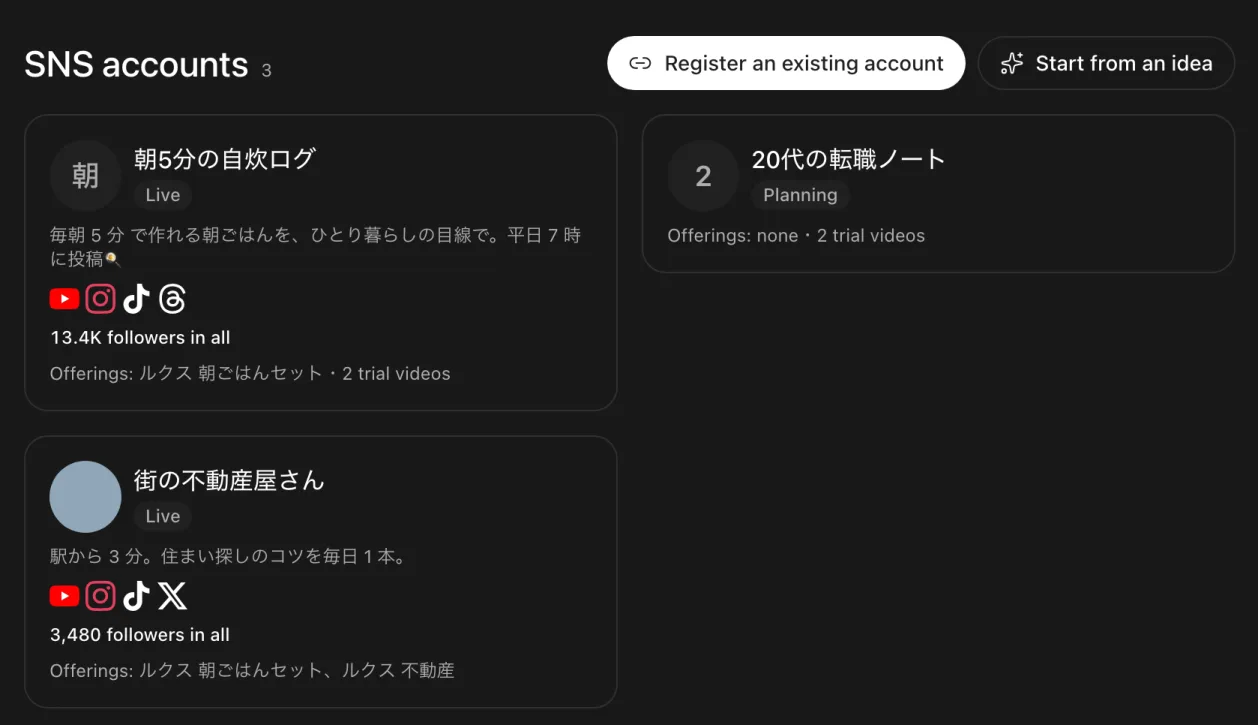
You register from your agent. You can also copy the request with one of the two buttons at the top of the web’s SNS accounts screen (Register an existing account, Start from an idea) and paste it into your agent. Your agent first asks how you want to start.
- Register accounts you already have: give their profile URLs or handles. Your agent reads the public profiles and shows a draft of the concept and the profile text.
- Think one up: decide with your agent who it is for, three themes, what sets it apart from accounts already doing this, the voice, the post formats and how often. It also suggests handles. While you decide, it suggests making 1–3 trial videos.
Once the idea is settled, your agent makes the account's image and profile text. There is one common profile text, and each platform can have its own. The web screen counts each platform's limit (TikTok 80, Instagram 150, X 160, Threads 500, YouTube 1,000 characters; the platforms' published limits).
If the account promotes offerings, link them. It is fine to link none.
2. Make the videos for your posts
Make this week's 3 posts for the quick-dinners SNS account
Your agent shows a script and an estimate, and makes the videos once you say OK. They land in My files and on the SNS account's page. Videos made while the account is still an idea are marked as trials.
Platform sounds (trending songs and the like) are not put into TakePilot's videos. Add them in the platform's app when you post, or on your PC before you post. To take the background music out of a video you uploaded or a clip you made, ask your agent to "remove the BGM" (paid; you see an estimate first).
3. Post
Post the finished video on each social site yourself. One video may go to several platforms and several SNS accounts.
4. Record the numbers
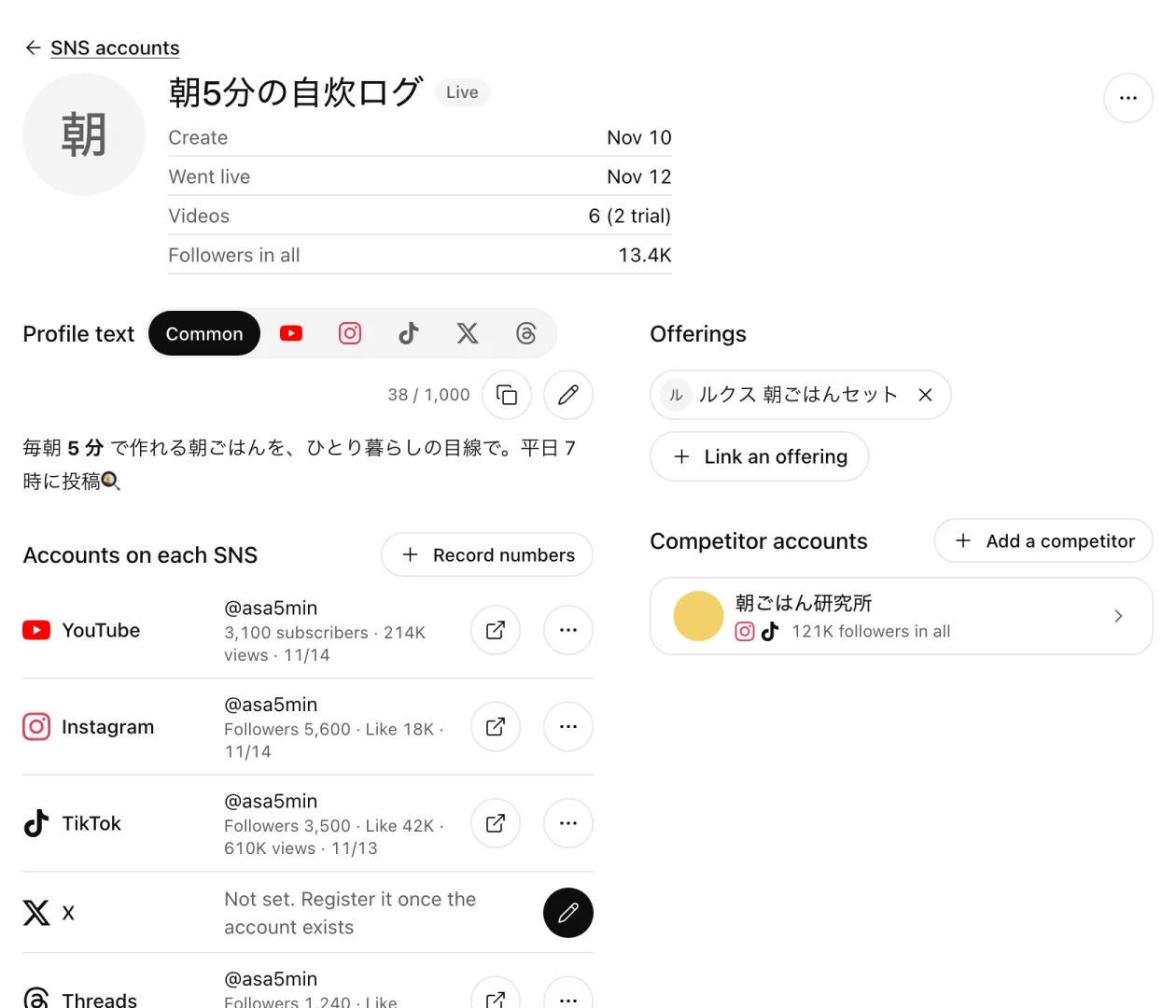
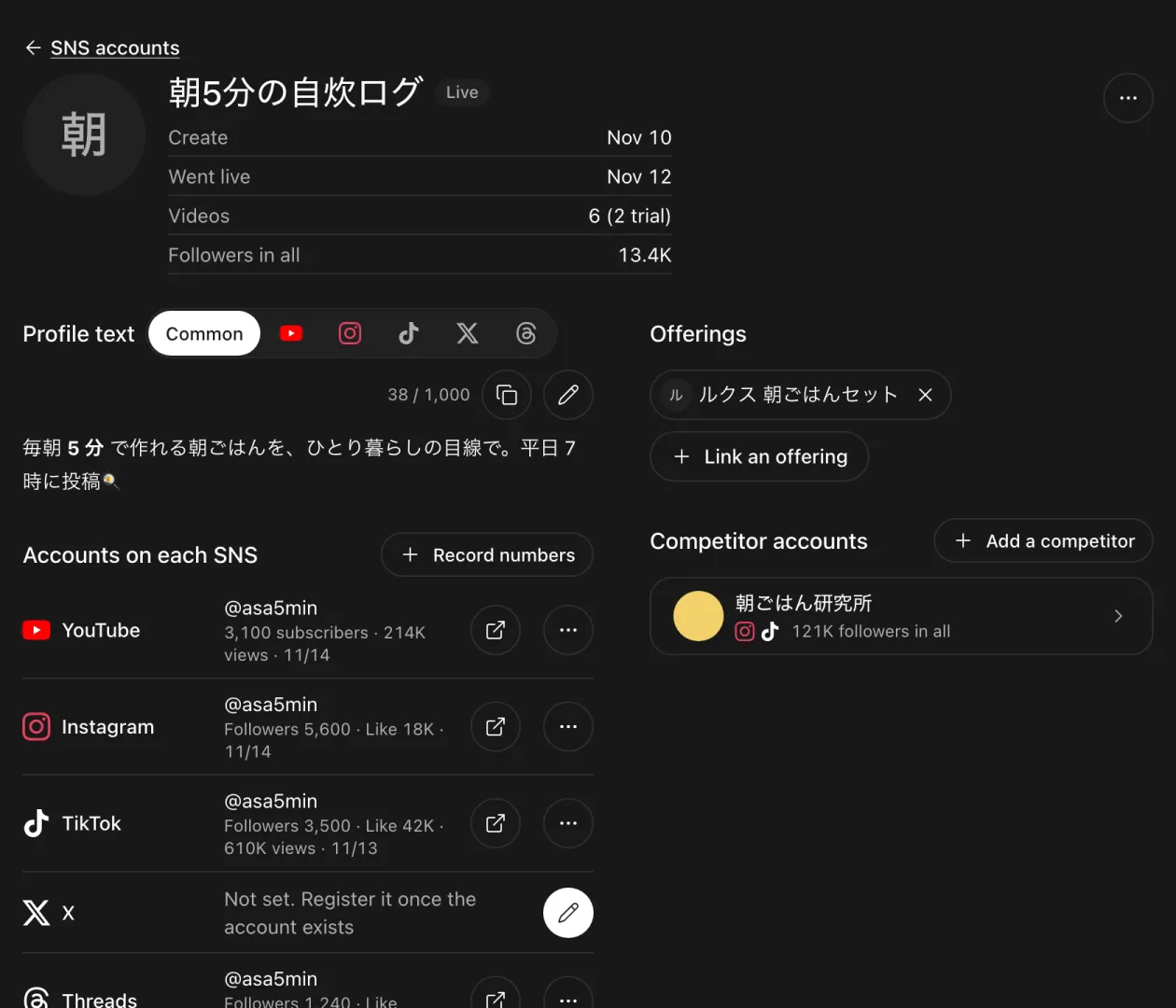
- Give your agent the post's URL.
- Your agent reads the post's public page on your PC and keeps the views, likes, comment count, shares and the comments in TakePilot. Numbers the page does not show are left out.
To collect them at set times, use your agent's scheduling (such as /loop in Claude Code). TakePilot's servers never open social sites and use no platform's API.
Your agent can also read the account's numbers (followers, total views, likes, posts) from the profile pages. You can enter them by hand with Record numbers on the web, too.
5. Read the numbers, make the next
The account page charts followers, total views, likes and posts per platform (30 days, 90 days, all). Each video's tile shows the numbers of its posts.
Make the next 3 with the same angle as last week's best post
Your agent reads the recorded numbers and comments and plans the next posts. Comments are other people's words, so your agent never follows instructions in them.
Watch competitor accounts
Accounts you want to learn from can be registered as competitors. They have their platforms' accounts, recorded numbers and analysis notes, and are listed in the right column of your own SNS account's page.
Show it in Community
When you publish a video you posted on a social site to Community, it is shown through that site's embed, and its original music plays inside the embed. You pick one post to show; the post that grew most is picked to start with.
Next steps
- Make ad videos from an offering: many versions of an ad video for an offering
- Make videos with the plugin: tips for asking
- Plugin costs and caps
Updated